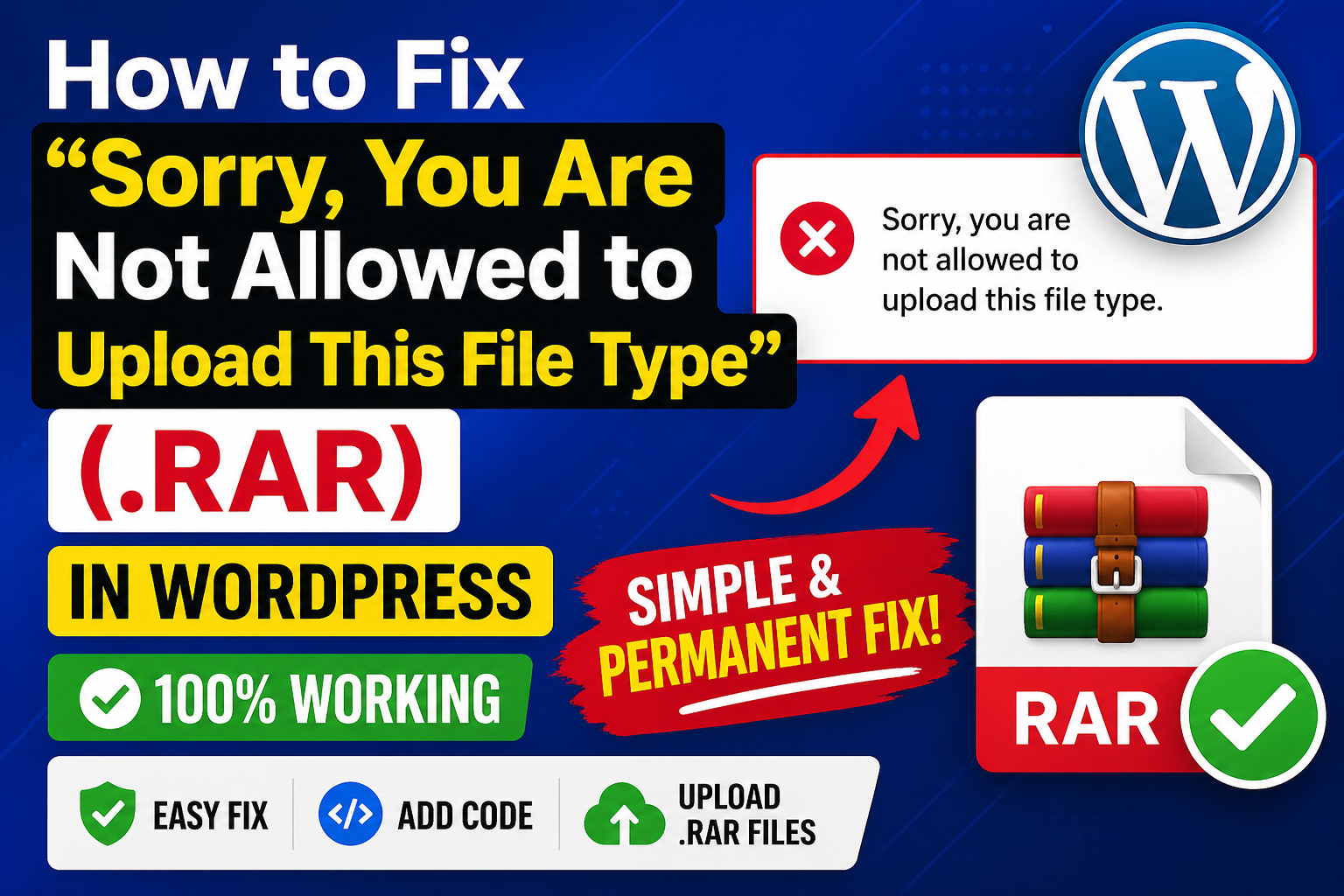
If you use WordPress regularly, you may encounter this error while uploading a .rar file:
“Sorry, you are not allowed to upload this file type.”
This happens because WordPress blocks certain file formats for security reasons. The good news is—you can fix this permanently with a simple method.
🚫 Why This Error Happens On WordPress?
WordPress restricts file uploads using two checks:
- File Extension →
.rar - MIME Type → actual file identity (e.g.,
application/vnd.rar/.Zip)
Even if you allow the extension, the upload may still fail due to strict MIME validation.
✅ METHOD 1: Permanent Fix (Allow Extension + MIME Type)
This is the most effective method and works on all themes.
🔧 Step 1: Open functions.php
- Go to Dashboard
- Navigate to Appearance → Theme File Editor
- Open:
functions.php
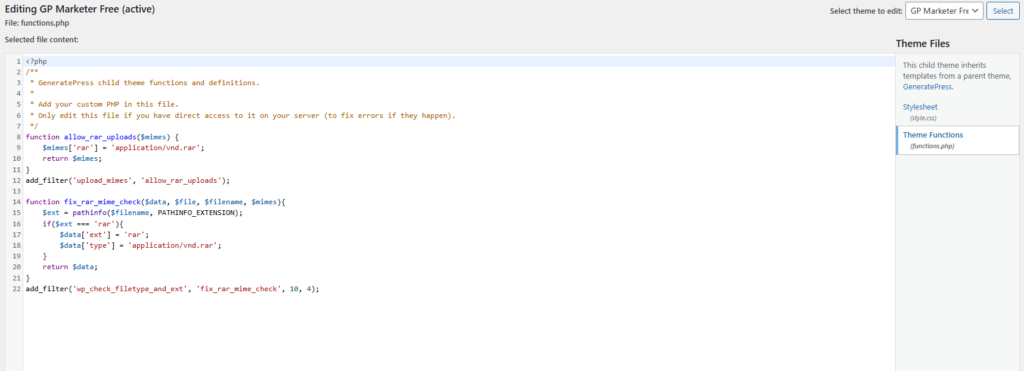
🔧 Step 2: Add This Code
Remove any previous upload-related code and add this:
function allow_rar_uploads($mimes) {
    $mimes['rar'] = 'application/vnd.rar';
    return $mimes;
}
add_filter('upload_mimes', 'allow_rar_uploads');

function fix_rar_mime_check($data, $file, $filename, $mimes){
    $ext = pathinfo($filename, PATHINFO_EXTENSION);
    if($ext === 'rar'){
        $data['ext'] = 'rar';
        $data['type'] = 'application/vnd.rar';
    }
    return $data;
}
add_filter('wp_check_filetype_and_ext', 'fix_rar_mime_check', 10, 4);💾 Step 3: Save Changes
Click Update File.
🔄 Step 4: Clear Cache
- Clear hosting/server cache
- Hard refresh:
Ctrl + F5
📤 Step 5: Upload File
Go to:
Media → Add New
Upload your .rar file again.
🎯 Result
After applying this fix:
- ✅
.raruploads work without error - ✅ No more “file type not allowed” message
- ✅ Works across all WordPress themes
Allowing .rar uploads can introduce risks.
Only use this if:
- You are the only uploader, OR
- You fully trust the files
Avoid enabling this on multi-user or public upload sites.
💡 Alternative (Safer Option)
Instead of enabling .rar, you can:
- Convert
.rar→.zip - Upload normally (WordPress supports
.zipby default)
✅ Conclusion
This method fixes the issue completely by handling:
- File extension validation
- MIME type verification
Once applied, the upload restriction is removed and your .rar files will work without any issues.
Note: While following these steps, make sure to apply the settings carefully and restart your computer if required to ensure the changes work properly.
If you have benefited from the information given to me, then you can follow my website. If you want to see such type of things first, then follow my website.
Also, I publish these types of things to you through YouTube. If you have difficulty in reading and understanding, you can subscribe to my YouTube channel. You can also watch the same video on YouTube.